
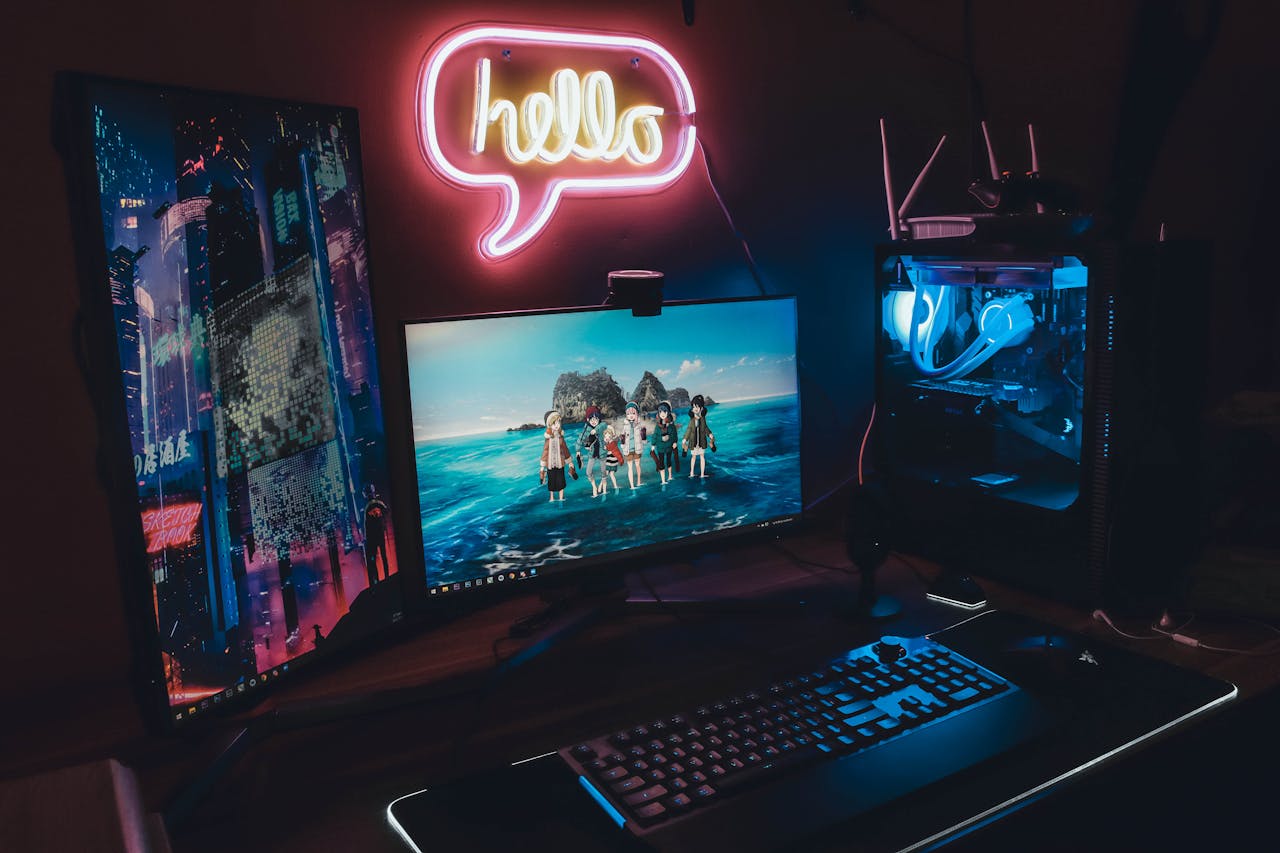
Selecting the right gaming monitor for competitive play is one of the most critical decisions for serious gamers who want to maximize their performance. Unlike casual gaming setups where visual aesthetics might take priority, competitive gaming demands monitors that can keep pace with split-second decisions and lightning-fast reactions. The difference between victory and defeat often comes down to milliseconds, and your monitor’s specifications—including refresh rate, response time, and input lag—directly influence your ability to track enemies, execute precise movements, and respond to threats before your opponents do.
Why Your Gaming Monitor Matters in Competitive Play
A gaming monitor serves as the critical interface between your skills and in-game performance, translating your hardware’s capabilities into visible, actionable information. In competitive environments where reaction times of 150-200 milliseconds separate professional players from casual gamers, every component of the visual pipeline matters. Gaming monitors designed for competitive play deliver superior responsiveness, eliminate visual artifacts that obscure targets, and maintain consistent performance during intense gameplay sequences that would overwhelm standard displays.
Performance Advantages Over Standard Monitors
Gaming monitors outperform regular office or multimedia displays across multiple dimensions that directly impact competitive success. Standard monitors typically refresh at 60Hz and feature response times of 5-8ms, which creates noticeable motion blur and input delay during fast-paced gaming. In contrast, competitive gaming monitors push boundaries with refresh rates reaching 360Hz and response times as low as 1ms, fundamentally changing how smoothly and clearly motion appears on screen.
| Specification | Standard Monitor | Competitive Gaming Monitor |
|---|---|---|
| Refresh Rate | 60Hz | 144Hz – 360Hz |
| Response Time | 5-8ms | 1-3ms |
| Input Lag | 10-30ms | 1-5ms |
| Adaptive Sync | Not Available | G-Sync/FreeSync |
| Motion Clarity | Significant Blur | Minimal Blur |
How Visual Precision Impacts Competitive Results
Smoother motion rendering and reduced blur directly translate to improved in-game performance through enhanced target tracking and faster threat identification. When visual information updates more frequently with less ghosting, players can make more accurate decisions based on clearer battlefield awareness.
- Enemy tracking: High refresh rates allow players to follow fast-moving targets with pixel-perfect precision during firefights
- Flick shots: Reduced motion blur ensures crosshairs remain visible during rapid camera movements in FPS games
- Peripheral awareness: Clearer motion at screen edges helps detect flanking opponents earlier
- Consistent aiming: Stable frame delivery prevents micro-stutters that disrupt muscle memory during critical moments
Refresh Rate: The Core of Competitive Gaming
The refresh rate, measured in Hertz (Hz), determines how many times per second your monitor can display a new image. Higher refresh rates create smoother visual motion by displaying more intermediate frames, which becomes crucial when tracking opponents moving at high velocities or executing rapid camera movements. For competitive gamers, refresh rate represents the foundation upon which all other performance metrics build, as even the fastest GPU output means nothing if your monitor cannot display those frames. According to NVIDIA’s refresh rate analysis, the human eye can perceive improvements in motion smoothness well beyond 144Hz, particularly during competitive gaming scenarios.
144Hz vs 240Hz vs 360Hz Monitors
Understanding the practical differences between common refresh rate tiers helps competitive gamers invest appropriately based on their skill level and competitive aspirations.
| Refresh Rate | Frame Time | Smoothness Level | Best For |
|---|---|---|---|
| 144Hz | 6.94ms | Very Smooth | Entry competitive gaming, all genres |
| 240Hz | 4.17ms | Extremely Smooth | Advanced FPS, professional practice |
| 360Hz | 2.78ms | Maximum Smoothness | Elite esports, tournament preparation |
When Higher Refresh Rates Actually Matter
While higher refresh rates always provide some benefit, the magnitude of improvement varies based on specific gaming scenarios and individual perceptual capabilities.
- Fast-paced FPS games: Titles like Counter-Strike, Valorant, and Apex Legends benefit most from 240Hz+ due to rapid camera movements
- Professional competition: Players competing at high ranks or in tournaments gain measurable advantages from 360Hz displays
- High-performance hardware: Systems consistently delivering 200+ FPS justify premium refresh rate investments
- Reaction-based gameplay: Games emphasizing twitch reflexes show clearer benefits than strategy-focused titles
- Personal perception: Individual sensitivity to motion clarity varies, making hands-on testing valuable before purchasing
Response Time and Input Lag Explained
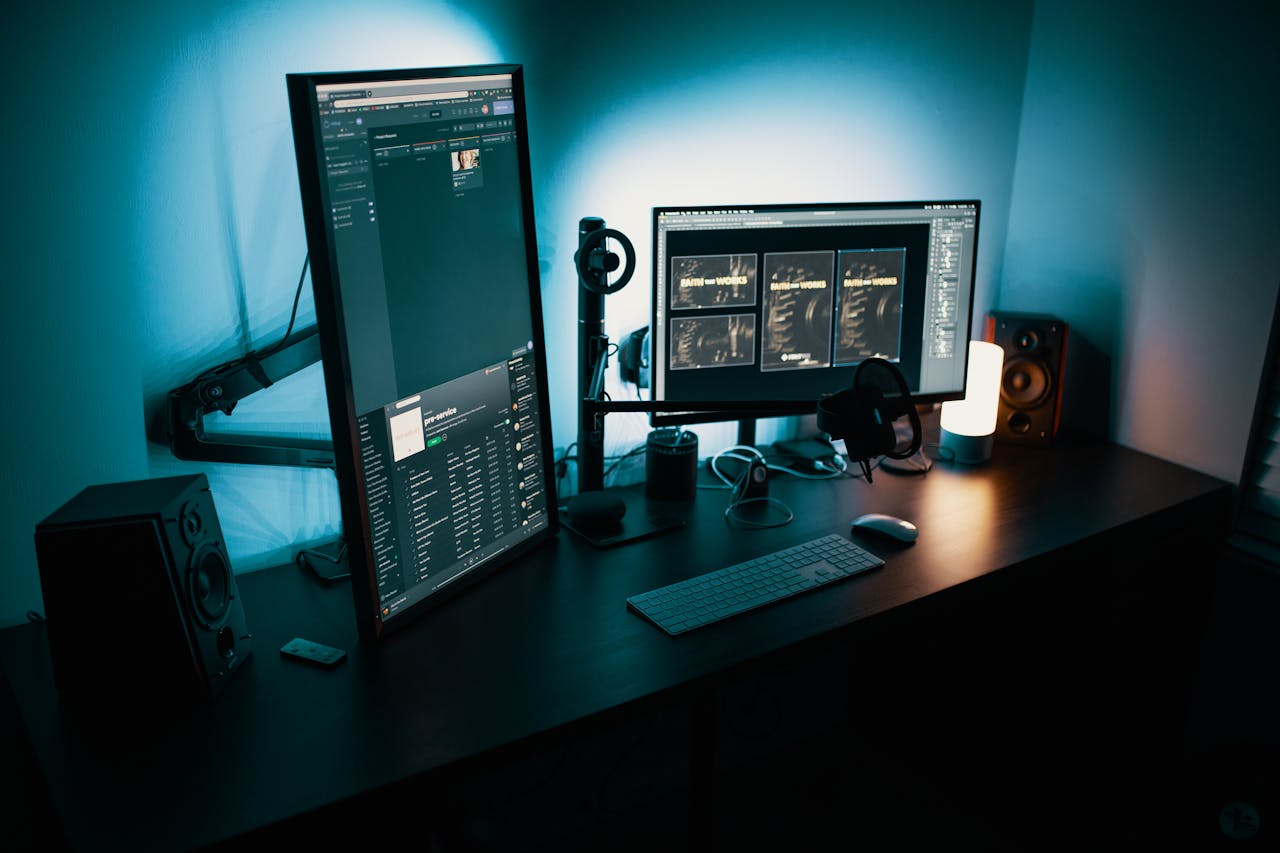
Response time measures how quickly pixels can change colors, while input lag represents the delay between your actions and their appearance on screen. Many gamers confuse these specifications, but both independently affect competitive performance. Response time primarily influences motion clarity, while input lag determines how synchronized your display feels with your inputs.
GTG vs MPRT Response Times
Manufacturers measure response time using different methodologies, which can make comparing monitors challenging without understanding what each metric represents.
| Measurement Type | What It Measures | Typical Values | Marketing Use |
|---|---|---|---|
| GTG (Gray-to-Gray) | Pixel transition speed | 1-5ms | Most common specification |
| MPRT (Moving Picture Response Time) | Perceived motion blur | 1-3ms | Often lower numbers, newer metric |
Minimizing Input Lag for Faster Reactions
Input lag accumulates from multiple sources in the display pipeline, but competitive gaming monitors employ specific technologies to minimize these delays.
- Game mode settings: Disables image processing features that add latency
- Native resolution operation: Eliminates scaling delays from non-native resolutions
- Direct connection protocols: DisplayPort 1.4 or HDMI 2.1 for maximum bandwidth
- Overdrive settings: Proper tuning prevents inverse ghosting while maintaining speed
- Variable refresh rate: Reduces buffering delays between GPU and monitor
Panel Types and Their Impact on Competitive Gaming
The underlying panel technology determines fundamental performance characteristics that affect both speed and visual quality. TN (Twisted Nematic), IPS (In-Plane Switching), and VA (Vertical Alignment) panels each offer distinct tradeoffs between response time, color accuracy, viewing angles, and contrast ratio. Competitive gamers must balance pure speed against visual quality based on their priorities.
TN vs IPS vs VA Panels for Competitive Play
| Panel Type | Response Time | Color Accuracy | Viewing Angles | Best Use Case |
|---|---|---|---|---|
| TN | 0.5-1ms (Fastest) | Adequate | Poor | Maximum competitive performance |
| IPS | 1-4ms (Fast) | Excellent | Excellent | Balanced speed and visual quality |
| VA | 3-5ms (Moderate) | Good | Good | Immersive single-player gaming |
Choosing the Right Balance Between Speed and Visual Quality
- Pure competitive focus: TN panels deliver absolute fastest response times for professional-level play
- Hybrid gaming approach: Modern IPS panels offer near-TN speed with superior visuals for mixed gaming
- FPS specialists: Prioritize response time and refresh rate over color accuracy
- MOBA players: Can benefit from IPS color accuracy for better ability effect visibility
- Budget considerations: TN panels typically cost less at equivalent refresh rates
Resolution and Screen Size for Competitive Gaming
While higher resolutions provide sharper images, competitive gaming prioritizes performance efficiency over visual fidelity. Resolution directly impacts GPU workload, affecting achievable frame rates and system responsiveness. Competitive players often sacrifice resolution for higher refresh rates and consistent frame delivery.
1080p vs 1440p for Competitive Gamers
| Resolution | Pixel Count | GPU Demand | Typical Frame Rates | Competitive Advantage |
|---|---|---|---|---|
| 1080p | 2,073,600 | Baseline | 240-360+ FPS achievable | Maximum performance headroom |
| 1440p | 3,686,400 | ~77% higher | 144-240 FPS achievable | Balanced clarity and speed |
Ideal Monitor Size for Esports and FPS Games
- 24 inches (1080p): Industry standard for competitive FPS, entire screen visible in peripheral vision
- 27 inches (1440p): Optimal for balanced competitive gaming with some visual upgrade
- Avoid 32+ inches: Requires excessive head movement to track corners during intense gameplay
- Viewing distance matters: Smaller screens work better at typical desk distances of 18-24 inches
- Professional preference: Most esports professionals use 24-inch displays for consistency
Adaptive Sync and Motion Clarity Technologies
Adaptive sync technologies synchronize monitor refresh rates with GPU frame output, eliminating screen tearing and reducing stuttering. When frame rates fluctuate below your monitor’s maximum refresh rate, adaptive sync maintains smooth visuals without the input lag penalty of traditional V-Sync.
G-Sync vs FreeSync for Competitive Gaming
| Technology | Compatibility | Certification | Typical Price Premium |
|---|---|---|---|
| G-Sync | NVIDIA GPUs | Strict hardware requirements | $100-200 higher |
| G-Sync Compatible | NVIDIA GPUs | Validated FreeSync monitors | Minimal premium |
| FreeSync | AMD GPUs, some NVIDIA | Variable standards | No premium |
Motion Blur Reduction and Backlight Strobing
- Pros: Significantly sharper motion clarity, reduces pixel persistence blur, improves tracking accuracy
- Cons: Cannot work simultaneously with adaptive sync, reduces overall brightness, may cause flicker sensitivity
- Enable when: Playing fast-paced games at stable frame rates matching refresh rate
- Disable when: Frame rates fluctuate significantly or brightness is needed for dark scenes
Ergonomics, Connectivity, and Competitive Setup
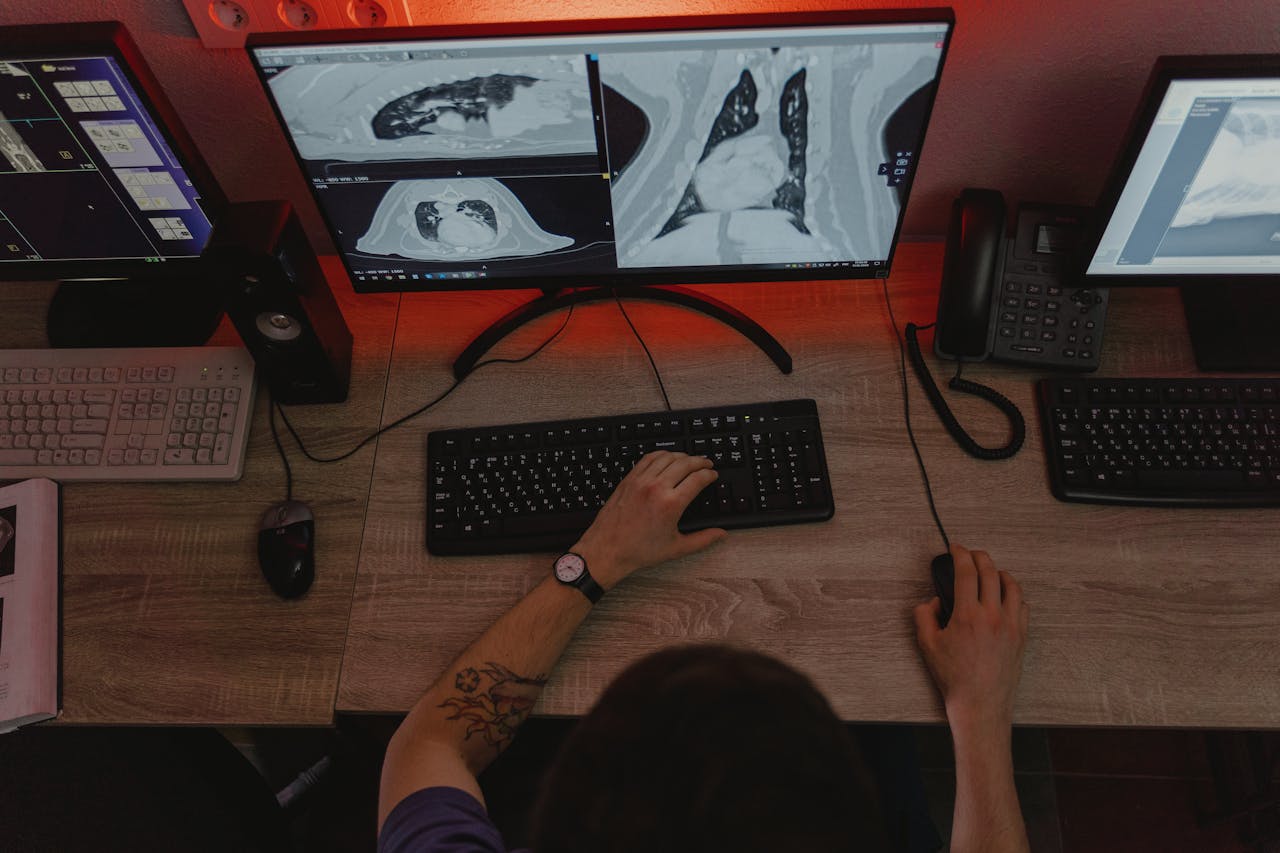
Physical design features and connectivity options significantly impact long gaming sessions and tournament readiness. Adjustable stands prevent neck strain during extended practice, while proper port selection ensures maximum performance without bottlenecks.
Adjustable Stands and Viewing Comfort
- Height adjustment: Ensures screen center aligns with eye level to prevent neck strain
- Tilt functionality: Allows precise angle adjustment for glare reduction and comfort
- Swivel capability: Enables easy screen sharing and position changes
- Pivot rotation: Permits portrait mode for content creation between gaming sessions
- VESA mounting: Provides aftermarket stand upgrade options for optimal positioning
Ports and Compatibility With Gaming PCs and Consoles
| Port Type | Max Refresh at 1080p | Max Refresh at 1440p | Best For |
|---|---|---|---|
| DisplayPort 1.4 | 360Hz+ | 240Hz | PC competitive gaming |
| HDMI 2.1 | 240Hz | 144Hz | Console and PC compatibility |
| HDMI 2.0 | 144Hz | 75Hz | Budget setups, older hardware |
Matching the Monitor to Your Game Type and Skill Level
Different competitive game genres emphasize distinct aspects of monitor performance, making universal recommendations impossible. FPS games demand maximum refresh rates and minimal input lag, while MOBAs benefit from color accuracy for ability recognition and larger screen real estate for macro awareness.
Best Monitor Specs for FPS, MOBA, and Battle Royale Games
| Game Genre | Ideal Refresh Rate | Ideal Resolution | Panel Priority | Screen Size |
|---|---|---|---|---|
| FPS (CS:GO, Valorant) | 240-360Hz | 1080p | Speed (TN/Fast IPS) | 24 inches |
| MOBA (League, Dota 2) | 144-165Hz | 1440p | Color (IPS) | 27 inches |
| Battle Royale (Fortnite, Apex) | 165-240Hz | 1080p-1440p | Balanced (IPS) | 24-27 inches |
Beginner vs Advanced Competitive Players: What to Prioritize
- Beginners (Casual to intermediate): Focus on 144Hz monitors with good color accuracy, value proposition over extreme specifications
- Advanced players (High ranks, aspiring pros): Invest in 240Hz+ with minimal input lag, prioritize performance over visual quality
- Budget allocation: Beginners benefit more from upgrading other peripherals like mice and keyboards before ultra-premium monitors
- Skill development: Monitor upgrades provide diminishing returns until mechanical skills reach higher competitive tiers
- Future-proofing: Advanced players should invest in higher specifications to avoid upgrades as skills improve
Conclusion
Choosing the right gaming monitor for competitive play requires balancing refresh rate, response time, panel technology, and ergonomic features against your specific game genre, skill level, and hardware capabilities. While 144Hz represents the entry point for serious competitive gaming, advanced players benefit measurably from 240Hz or 360Hz displays paired with low-latency panels. Resolution and screen size decisions should prioritize performance efficiency, with 1080p at 24 inches remaining the professional standard for FPS games. Adaptive sync technologies and motion clarity features further refine the experience, though these optimizations matter most when foundational specifications align with your competitive needs. Ultimately, the ideal monitor matches your hardware’s capabilities while supporting the specific visual and responsiveness requirements of your chosen competitive gaming discipline.