

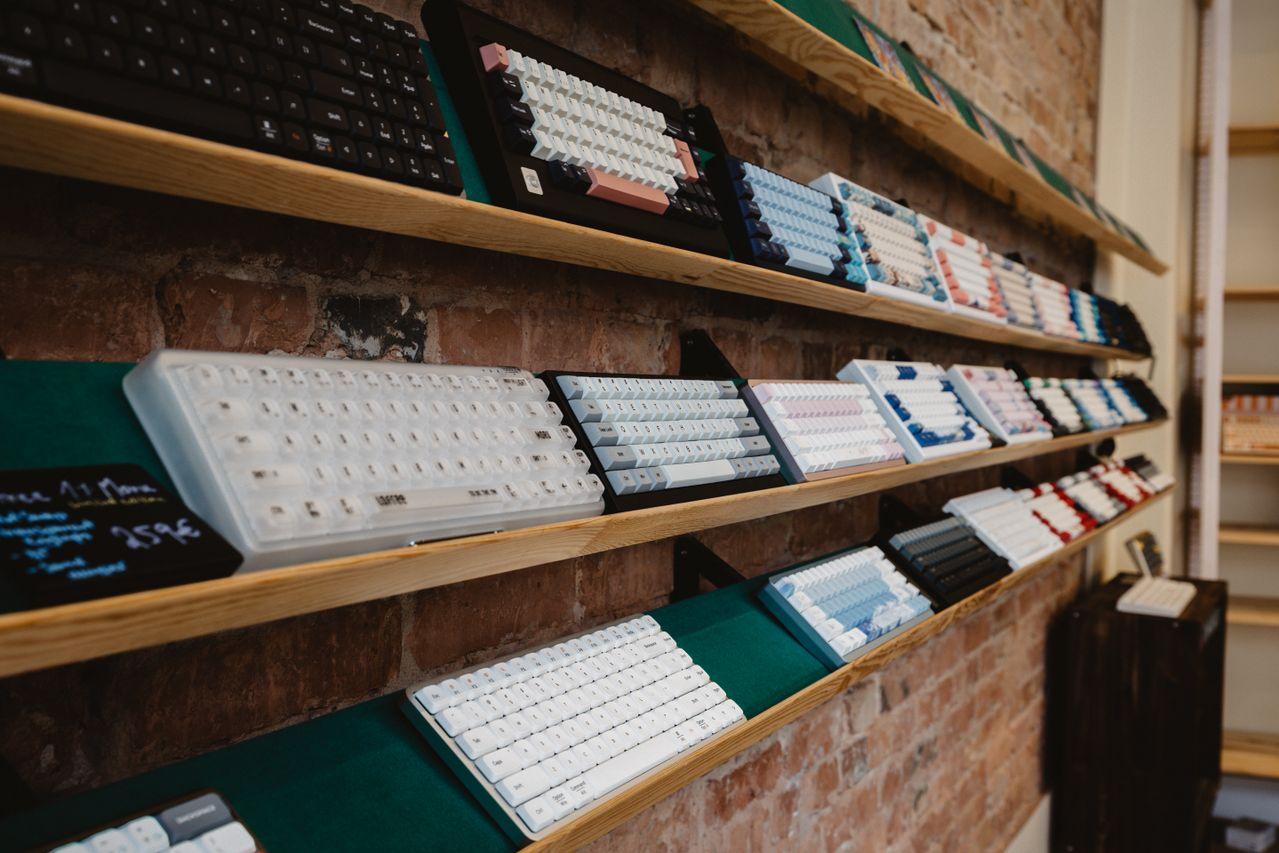
Every gamer eventually asks the same question: Mechanical vs. Membrane Keyboards: Which Is Better for Gaming? This debate has persisted for years because the two designs feel and perform completely differently under pressure. Whether you’re grinding ranked matches or enjoying casual sessions, your keyboard affects speed, comfort, and consistency. The right choice ultimately comes down to performance, comfort, durability, and budget, and each gamer weighs these factors differently depending on their playstyle.
Mechanical and Membrane Keyboards Explained
Understanding the internal mechanics of each keyboard type is essential before deciding which suits your gaming needs. The way keys register input directly impacts reaction time, tactile feedback, and overall durability. Below, we break down how each technology works.
How Mechanical Keyboards Work
Mechanical keyboards use individual switches under every key, each with its own spring and contact point. This design creates a defined actuation point, the exact moment a keystroke registers, giving players precise and consistent feedback.
- Linear switches – Smooth keystroke with no tactile bump, ideal for fast, repeated inputs in shooters
- Tactile switches – A noticeable bump signals registration, helping with accuracy in strategy or MMO games
- Clicky switches – Tactile feedback paired with an audible click, popular among typists but louder during gaming
How Membrane Keyboards Function
Membrane keyboards rely on a rubber dome layered beneath the keys. Pressing a key compresses the dome until it touches a circuit membrane, registering the input. This results in softer keystrokes and notably quieter operation.
- Uses a single rubber sheet instead of individual switches
- Requires a full press to the bottom for registration
- Produces minimal noise, making it ideal for shared spaces
- Generally lighter and more affordable to manufacture
- Offers a “spongier” feel compared to mechanical switches
Mechanical vs. Membrane Keyboard Comparison Table
The table below summarizes the core technical differences between both keyboard types.
| Feature | Mechanical Keyboard | Membrane Keyboard |
|---|---|---|
| Switch Mechanism | Individual physical switches | Rubber dome layer |
| Responsiveness | High, defined actuation point | Lower, requires full keypress |
| Noise Level | Moderate to loud (varies by switch) | Quiet |
| Durability | 50–100 million keystrokes | 5–10 million keystrokes |
| Maintenance | Switches can be cleaned/replaced | Limited repair options |
| Average Price | $60–$200+ | $15–$50 |
Gaming Performance: Which Keyboard Offers the Better Experience?

Keyboard design plays a direct role in how quickly and accurately a player can react in-game. From competitive shooters to MMOs, response time and comfort both shape performance over long sessions.
Response Time and Key Actuation for Competitive Gaming
In fast-paced titles, milliseconds matter. Actuation distance determines how far a key must travel before registering, and shorter distances mean faster inputs. Two additional features are critical for competitive play:
- Anti-ghosting – Ensures multiple simultaneous keypresses register correctly
- N-key rollover (NKRO) – Allows every key to be pressed at once without input loss
- Low actuation force – Reduces the effort needed to trigger a keystroke
- Customizable actuation points – Found in premium mechanical switches for fine-tuned control
Comfort, Noise Levels, and Long Gaming Sessions
Extended gaming sessions test both hands and ears. Mechanical keyboards offer firmer tactile feedback, reducing accidental presses, but can cause more finger fatigue for some users over time. Membrane keyboards feel softer but may require harder bottom-out presses repeatedly.
| Session Factor | Mechanical Keyboard | Membrane Keyboard |
|---|---|---|
| Typing Feel | Crisp, tactile | Soft, cushioned |
| Noise During Long Sessions | Can be distracting | Minimal disruption |
| Finger Fatigue | Lower with light switches | Higher with full keypresses |
| Ergonomic Support | Often better-built | Basic, budget-focused |
Durability and Lifespan Differences
Long-term reliability is a major deciding factor for gamers who play daily.
- Mechanical switches are rated for 50–100 million keystrokes, far surpassing membrane alternatives
- Individual switches can often be replaced or hot-swapped, extending keyboard life
- Membrane keyboards typically last 5–10 million keystrokes before keys become unresponsive
- Membrane keyboards are sealed units, making repairs nearly impossible
Pros and Cons of Mechanical and Membrane Keyboards
Both keyboard types offer distinct advantages depending on what a gamer values most. Below is a balanced breakdown of where each option excels and where it falls short.
Advantages and Disadvantages of Mechanical Keyboards
- Pros: Extensive customization (keycaps, switches, RGB), premium build quality, wide switch variety, faster actuation, hot-swappable options
- Cons: Higher upfront cost, louder operation (especially clicky switches), heavier overall design
Advantages and Disadvantages of Membrane Keyboards
- Pros: Budget-friendly pricing, quieter keystrokes, lightweight design, spill-resistant in many models
- Cons: Shorter lifespan, mushy feedback, no switch customization, slower long-term responsiveness
Price Comparison and Value for Money
Budget plays a major role in keyboard selection, especially for players upgrading multiple peripherals at once.
| Tier | Mechanical Price | Membrane Price | Best For |
|---|---|---|---|
| Entry-Level | $50–$80 | $10–$25 | Casual gamers |
| Mid-Range | $80–$150 | $25–$50 | Regular gamers |
| Premium | $150–$250+ | Rarely exceeds $50 | Competitive/esports players |
For additional technical insights into switch engineering, Cherry’s official switch guide offers detailed specifications on actuation force and travel distance.
Which Keyboard Is Best for Different Types of Gamers?

Choosing between mechanical and membrane ultimately depends on your gaming style, budget, and personal comfort preferences.
Best Choice for Competitive and Esports Players
Serious gamers typically lean toward mechanical keyboards because of their speed and reliability advantages.
- Fast actuation with linear switches
- NKRO and anti-ghosting support
- Durable build for daily intensive use
- Customizable feedback to match playstyle
Best Option for Casual Gamers and Budget-Conscious Users
Membrane keyboards remain a smart choice in several situations.
- Gaming occasionally rather than daily
- Sharing a living space where quiet keystrokes matter
- Working within a tight budget
- Prioritizing simplicity over customization
Factors to Consider Before Buying a Gaming Keyboard
Before purchasing, gamers should evaluate their personal needs using a structured checklist.
| Factor | Consider This |
|---|---|
| Switch Preference | Linear, tactile, or clicky feel |
| Desk Setup | Space constraints, wrist support |
| Noise Tolerance | Shared rooms vs. private setup |
| Budget | Entry-level vs. premium investment |
| Game Genre | FPS, MMO, strategy, or casual titles |
According to PCMag’s keyboard testing guide, responsiveness and build quality remain the top factors influencing long-term satisfaction with gaming keyboards.
Conclusion
The debate between mechanical and membrane keyboards ultimately comes down to how you play and what you value most. Mechanical keyboards generally deliver superior gaming performance, offering faster actuation, greater durability, and extensive customization—making them the preferred choice for competitive and esports players. Membrane keyboards, meanwhile, remain a practical and budget-friendly option for casual gamers who prioritize quiet operation and affordability over peak performance. Assess your gaming habits, noise environment, and budget to determine which keyboard truly fits your needs.